
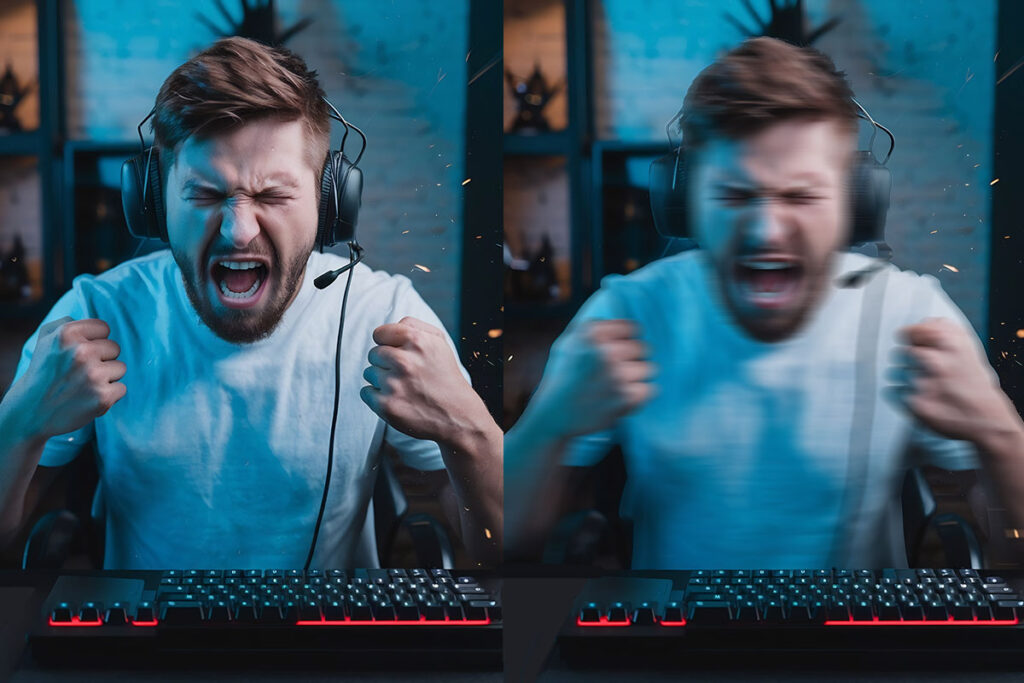
Ping spikes — sudden jumps in latency — are one of the most frustrating experiences in online gaming. One moment everything feels smooth, and the next, your character freezes, shots don’t register, or the whole match becomes unplayable. Understanding why this happens gives you a better chance at fixing it.
In this guide, we break down the real drivers behind ping spikes — including routing issues, jitter, packet loss, and more — and point you to tools like ExitLag that can help stabilize your connection when the problem is network‑path related.
What Are Ping Spikes?
Ping is the round‑trip time it takes for a data packet to travel from your device to the game server and back. A ping spike is when your latency jumps suddenly and temporarily — for example, from 30 ms to 200 ms and back again within a few seconds. These spikes disrupt real‑time gameplay even if your average ping looks fine.
Common Causes of Ping Spikes
1. Wi‑Fi Interference and Local Network Issues
Wireless connections are vulnerable to interference from walls, other devices, and competing networks. Even with strong signal strength, this interference can cause momentary delays in packet delivery, leading to visible ping spikes in games.
Tip: Wherever possible, use a wired Ethernet connection for gaming — it’s far more stable and significantly reduces unpredictable latency.
2. Background Applications Using Bandwidth
Apps running in the background — like cloud backups, video streaming, or automatic updates — can suddenly consume significant bandwidth. This makes your game traffic compete with other data, which often causes latency to jump.
Check: Before gaming, close apps that aren’t essential and pause auto‑updates.
3. ISP Routing and Congestion
Your Internet Service Provider (ISP) chooses a path (series of network hops) to send your data to the game server. If that path is inefficient or becomes congested, your data might detour through distant routers, increasing latency and causing spikes.
This problem doesn’t always show up in standard speed tests — average download/upload speeds can be fine while latency fluctuates wildly.
4. Jitter and Packet Delivery Inconsistency
Jitter is the variation in time between packet arrivals. Even if your average ping is low, high jitter means packets do not arrive evenly. The result: stuttering movement, delayed actions, or micro‑lag events that feel like ping spikes. This typically happens due to network congestion, inefficient routing, or router limitations.
5. Packet Loss
Packet loss happens when some data packets never reach their destination and need to be retransmitted. This creates sudden delays because the game waits for missing information, which looks and feels like latency spikes. Packet loss can be caused by network congestion, poor hardware, or routing issues.
6. Router and Hardware Limitations
Older or low‑quality routers can struggle with modern gaming traffic, especially if many devices are connected. Insufficient processing power or poorly configured network settings (like missing Quality of Service) can introduce latency spikes even on strong connections.
How Ping Spikes Manifest in Games
In online games, ping spikes can lead to:
- Rubber‑banding or sudden character jumps
- Delayed shots or movement responses
- “Ghost” inputs where actions don’t register
- Temporary disconnects or stuttering animations
These symptoms stem from inconsistent packet timing, jitter, or packet loss — not just high average ping.
What You Can Do Right Now
Wired Connection Over Wi‑Fi
Switching to an Ethernet connection eliminates most wireless interference and significantly reduces jitter and spikes.
Close Bandwidth‑Heavy Background Apps
Streaming, cloud sync, and update services can spike your latency mid‑game. Closing them frees up bandwidth for your game.
Restart and Update Hardware
Restart your router/modem and ensure firmware and network drivers are up to date. This can fix hidden performance issues.
Use QoS or Network Prioritization
Many routers have Quality of Service (QoS) settings that let you prioritize gaming traffic over other data, reducing the likelihood of spikes during peak network usage.
Diagnose Routing Issues
Tools like PingPlotter or traceroute can help you see if the spike patterns originate on your home network, your ISP, or beyond.
Consider Optimized Routing Tools
If your ISP’s routing to game servers is inefficient or congested, network optimization tools like ExitLag can help. These services attempt to stabilize your routing path to the game server, reducing jitter and packet inconsistencies that lead to ping spikes — especially useful in competitive titles.
When Spikes Aren’t Your Fault
Sometimes, ping spikes are caused by server conditions, maintenance issues, or congestion on the game provider’s side. If many players report similar issues, it’s worth checking official server status before troubleshooting further.
Final Thoughts
Ping spikes are rarely caused by a single factor. They often result from a combination of signal interference, background bandwidth usage, inefficient routing, jitter, and packet loss. By understanding these patterns and applying targeted fixes — from hardware adjustments to optimized routing — you can make your online gaming experience more stable and responsive.
If you’ve tried solutions and still see spikes, consider exploring network optimization tools like ExitLag to see whether optimized routing improves your stability. That can make a meaningful difference when standard fixes aren’t enough.Your Attractive Heading